
Why Does My Gravity Feeder App Not Connecting and How to Solve It?
When your smart gravity feeder drops offline, the solution usually boils down to three culprits: network band interference, a stalled firmware handshake, or a physical hardware fault. Start by forcing your smartphone onto a 2.4GHz Wi-Fi band—the universal standard for IoT pet tech—and perform a factory reset by holding the pairing button for ten seconds until the LED pulses. If that fails, the issue likely sits within the PCB architecture or the cloud-to-device communication protocol.
Walking through our production floor in Guangdong, I often hear the rhythmic *click-clack* of the injection molding machines, but the real heartbeat of our facility is the sound of the testing lab. Here, we run “aging tests” where rows of feeders cycle through thousands of feeding rotations while connected to simulated high-latency networks. I’ve watched engineers pull apart units that failed in the field, only to find that a penny-pinching supplier used a low-grade antenna that couldn’t maintain a signal through a standard drywall partition.
The Anatomy of a Connection Failure
Distributors often assume that “smart” means “set it and forget it,” but that is a dangerous fallacy. Most connectivity issues are rooted in the physical reality of the hardware. When a user asks why their app isn’t connecting, they are often experiencing a failure in the Wi-Fi module’s ability to “handshake” with the router.
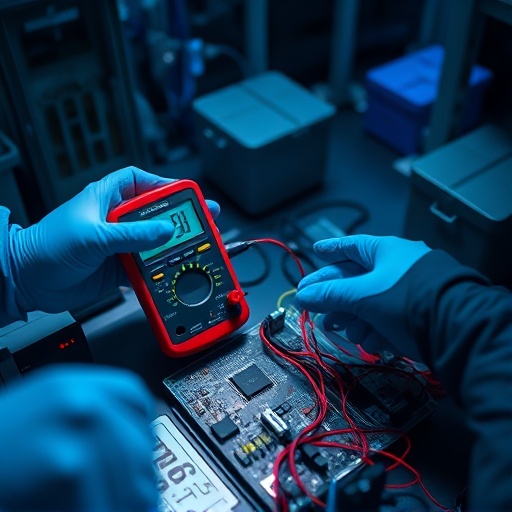
We once saw a surge of support tickets for a batch of feeders that kept disconnecting every time the kitchen microwave turned on. After tearing down the units, we discovered the shielding around the internal Wi-Fi chip was insufficient, allowing electromagnetic interference to disrupt the data stream. We now mandate double-shielding on all our boards. If your feeder is constantly dropping off, it might be a hardware-level sensitivity issue rather than a software bug. This is why we prioritize rigorous hardware engineering at DDPark; if the base components aren’t solid, no amount of app updates can fix the signal drop.
Systematic Troubleshooting Protocol
If you are stuck staring at a spinning loading icon, follow this sequence to isolate the variable:
1. **The 2.4GHz Rule:** Modern routers love to force devices onto the 5GHz band. Your feeder’s Wi-Fi module simply won’t see that signal. Use your router’s admin page to temporarily disable 5GHz or create a dedicated IoT guest network.
2. **The Mechanical Jam:** Sometimes the app reports “offline” when the device is actually just frozen due to a mechanical obstruction. If the motor is jammed, the firmware prioritizes a safety shutdown, which can prevent the Wi-Fi module from broadcasting its status. Clear the food hopper of any lodged kibble.
3. **Firmware Handshake:** Older modules struggle with modern WPA3 encryption. If your router settings are too aggressive, the feeder might be rejected during the authentication phase. Ensure your router is set to WPA2/WPA3 mixed mode.
My contrarian take on the industry? Many brands blame “user error” when the fault is actually poor firmware optimization. If a device has to be reset weekly, it’s a failure of the engineering team to manage long-term cache memory, not a failure of the customer’s internet provider.
Why Manufacturing Integrity Defines the User Experience
The “rework ratio” is the silent killer of pet tech brands. When we build units for our partners, we aren’t just soldering components; we are managing the bridge between a pet owner’s peace of mind and a piece of plastic hardware. Using subpar PCB vendors saves pennies on the unit cost but costs hundreds in customer support labor.
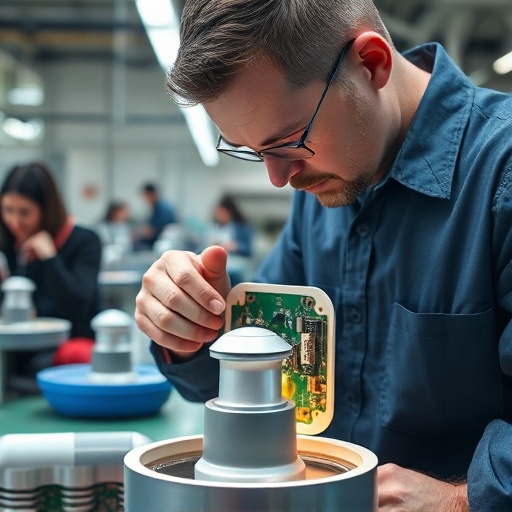
Our facility operates at the intersection of precision and scale. We utilize AOI (Automated Optical Inspection) to catch micro-fractures in solder joints that a human eye would miss. When you look at an established manufacturing partner like DDPark, you are paying for the confidence that the Wi-Fi module inside your device won’t degrade after six months of humidity and heat.
When to Cut Your Losses
If you have tried the reset, cleared the jams, and verified your network, and the device remains a “brick,” you are likely dealing with a hardware degradation issue. In the world of mass-market electronics, once the internal antenna or the Wi-Fi chip suffers a physical fault, the cost of repair exceeds the value of the unit.
Reliability is a design choice. For startups looking to enter this space, the lesson is clear: don’t chase the lowest BOM (Bill of Materials) cost at the expense of connectivity stability. Your brand is only as strong as your last successful feeding cycle. If you are ready to scale your pet tech brand with a focus on Zero-Defect manufacturing and custom OEM solutions, our team is ready to help you navigate the complexities of IoT production.
Ready to Start Your OEM Order?
Contact our B2B team today for pricing, MOQ, and custom branding options.
Frequently Asked Questions
Why does my smart feeder constantly disconnect from Wi-Fi?
Frequent drops are usually caused by signal interference or network band steering. Ensure your feeder is connected to a stable 2.4GHz signal, as 5GHz bands are often incompatible with these modules.
Does the feeder hardware affect app connectivity?
Absolutely. Poorly shielded internal antennas or low-quality Wi-Fi modules are prone to thermal drift, leading to connection failures as the device heats up during operation.
How can I reset my smart gravity feeder?
Locate the physical reset button—usually near the power input or under the lid—and hold it for 10 seconds. You will see the indicator light flash, signaling the device is ready to re-pair with your mobile app.