Why Pet Feeder Apps Fail: A Factory-Floor Perspective
If you are currently asking “why does my automatic pet feeder app not connecting and how to solve it,” you are likely trapped in a loop of router reboots and factory resets. Most consumers assume the problem lies with their home Wi-Fi signal or a buggy app update. The truth is far more cynical. Often, the issue is not your internet; it is a cheap, underpowered Wi-Fi module buried deep inside the feeder’s plastic housing, struggling to maintain a handshake with modern routers.
Industry veterans know that the “smart” label is frequently slapped onto hardware that lacks the processing overhead to handle modern network traffic. If your feeder disconnects, it is usually because the internal chip is overwhelmed, not because your router is acting up. Solving this requires looking past the screen and into the engineering choices made on the factory floor.
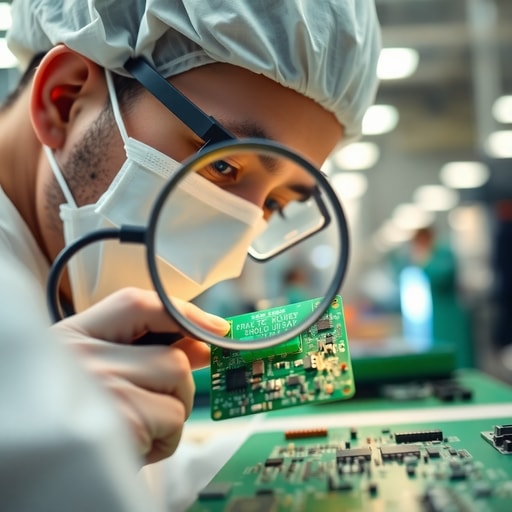
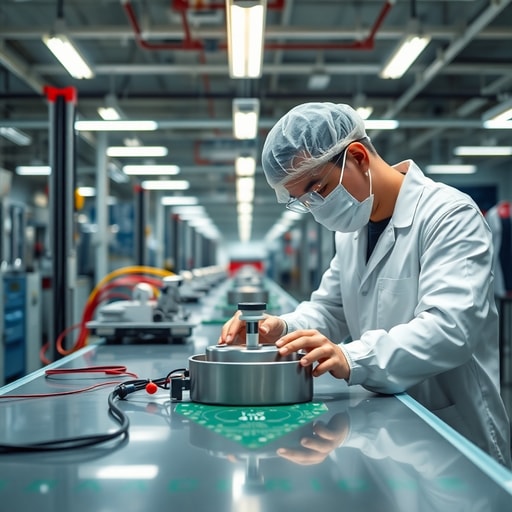
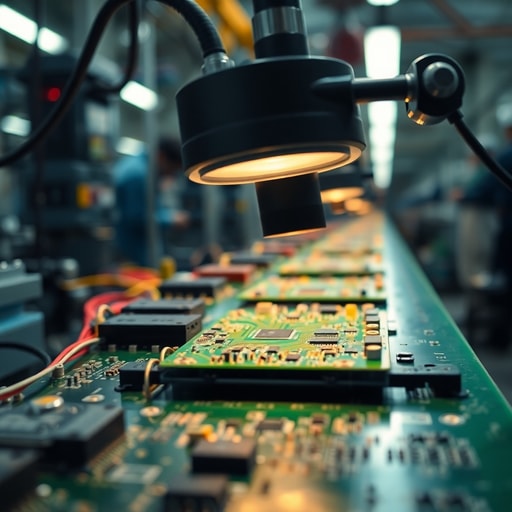
Standing in our facility in the Pearl River Delta, the sound of the production line is a rhythmic, high-frequency hum. You can smell the ozone from the soldering stations and the faint, sweet scent of newly molded plastic. I watch the AOI (Automated Optical Inspection) machines scan board after board. If a capacitor is a fraction of a millimeter off, the board is rejected. Most budget-friendly pet feeders skip these rigorous inspections to shave pennies off the BOM (Bill of Materials). When you buy those units, you are paying for a device that was never designed to survive a real-world network environment.
## The Hardware Reality: Why Your App Drops the Ball
My contrarian view? The industry has become obsessed with “features” while ignoring the foundational stability of the Wi-Fi module. I have seen countless prototypes where the antenna placement is blocked by the motor’s metal casing. It is a design disaster. If the antenna is shielded by the very components it is meant to support, no amount of software patching will fix your connection issues.
We see this frequently with low-end Tuya-based integrations. They are cheap, yes, but they are often pushed to their limit by apps bloated with unnecessary telemetry data. The result is a device that “forgets” the network the moment the router performs a routine channel hop.
Here is a reality check for distributors: If your product fails to maintain a connection, your brand reputation dies. A pet feeder that stops dispensing because it lost its Wi-Fi handshake is just an expensive, locked plastic box. At [DDPark](https://ddpark.com/), we prioritize the signal path as much as the food-grade plastic, ensuring that our [smart pet product catalog](https://ddpark.com/products/) features modules capable of handling high-traffic, dual-band environments without choking.
## Troubleshooting Your Connection: A Systematic Approach
Before you toss your feeder in the bin, try these steps to diagnose the failure:
1. **Isolate the 2.4GHz Band:** Most IoT hardware is allergic to 5GHz. Use your router settings to force a 2.4GHz connection for the feeder.
2. **Check the Power Supply:** Cheap power adapters often suffer from “voltage droop” under load. If your motor triggers, the voltage might drop enough to reset the Wi-Fi chip. Swap the adapter to test.
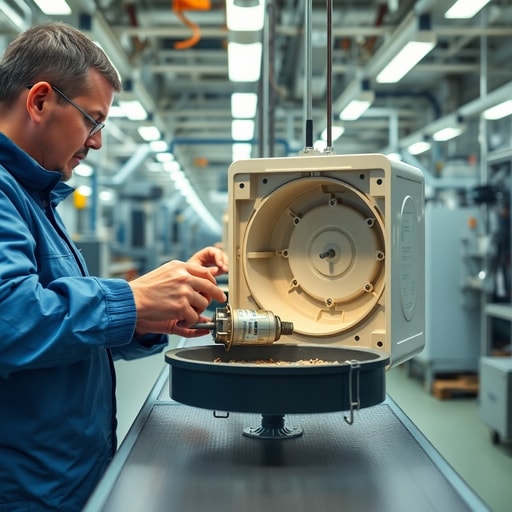
3. **Analyze the “Safe Mode” Triggers:** If the impeller is jammed with kibble, the firmware often cuts power to the Wi-Fi module to prevent a motor burnout. Clear the chute manually.
4. **Audit the Environment:** Microwave ovens and thick concrete walls are the enemy. Move the feeder closer to the router temporarily to rule out signal attenuation.
5. **Firmware Updates:** If the app allows it, force a manual OTA update. Many older units ship with buggy handshake protocols that were patched months ago.
### Comparison Table: Connectivity & Build Quality
| Feature | Standard Market Feeder | Premium Retail Feeder | DDPark OEM Solution |
| :— | :— | :— | :— |
| **Connectivity** | ESP8266 (Unstable) | Basic ESP32 | Industrial Grade ESP32 |
| **Anti-Jamming** | Standard Impeller | Mechanical Sensor | Redesigned IR Detection |
| **Build Quality** | Standard Plastic | BPA-Free | FDA/RoHS Certified |
| **Stability** | Moderate | High | Zero-Defect Philosophy |
## Why OEM Customers Are Demanding More
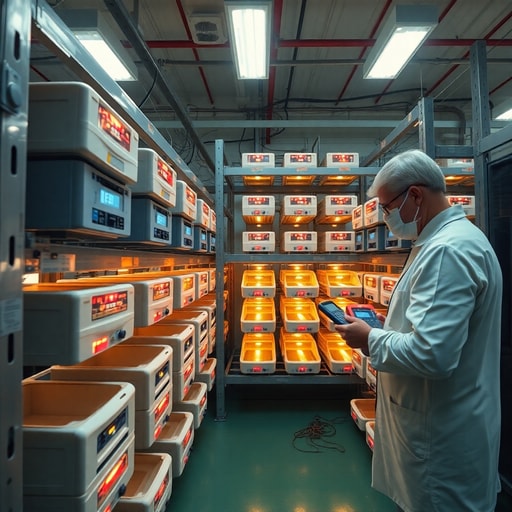
The shift toward Matter-compatible devices is not just a trend; it is a necessity for survival. Consumers are tired of proprietary apps that fail to connect. They want local control. They want reliability. During our last production run, I personally pulled a batch off the line because the solder joints on the Wi-Fi antenna looked “cold”—dull rather than shiny. It would have passed a basic power-on test, but it would have failed in a customer’s home six months later. We scrapped it. That is the cost of quality.
If you are a distributor looking to minimize returns, you need a partner that treats hardware engineering with the same seriousness as software development. We offer flexible MOQ for startups and provide full OEM services, including custom app development that isn’t bloated with useless features. We understand that your brand’s success depends on the feeder actually working when the owner is away.
### Checklist for Kennel Operators & Distributors
* [ ] Verify the unit supports 2.4GHz Wi-Fi exclusively.
* [ ] Test the impeller pump with your specific kibble size.
* [ ] Check for CE/FCC/RoHS certification documents.
* [ ] Ensure the app supports multi-device management for large-scale setups.
* [ ] Confirm the manufacturer provides OTA support for future-proofing.
* [ ] Request a sample to test in a high-traffic, real-world environment.
[Request a Free OEM Quote from DDPark](https://www.ddpark.com/inquiry/) to ensure your customers never have to deal with connectivity headaches again. For more on our history, visit [DDPark 10+ Years Manufacturing Expertise](https://www.ddpark.com/about-us/).
Frequently Asked Questions
Q: Why does my feeder disconnect every time there is a power outage?
A: If your feeder lacks an internal battery backup, it may struggle to re-authenticate with the router upon reboot. High-quality modules should auto-reconnect within 60 seconds; if it takes longer, check your router’s DHCP lease time.
Q: Is a “Matter” compatible feeder better than a Tuya-based one?
A: Yes. Matter-compatible devices offer local control, meaning they don’t rely solely on the cloud. This significantly reduces the likelihood of connection errors caused by external server downtime.
Q: How does DDPark ensure the app doesn’t crash?
A: We utilize rigorous aging tests before shipment and maintain strict server-side architecture standards, ensuring our APP customization is lightweight, stable, and highly responsive compared to standard off-the-shelf software.
Work with DDPark
We provide a low-noise motor system, aging test before shipment, food-grade BPA-free materials, and custom logo and packaging solutions for your brand.
Ready to Start Your OEM Order?
Contact our B2B team today for pricing, MOQ, and custom branding options.